Payment Without Credit Cards
How to Make Online Purchases Without a Credit Card

Eric Mason
6 min read
Online payments started with credit cards, but today millions of people shop without using credit. If you have wondered how to pay online without a credit card, you are not alone. From privacy concerns to lack of availability, plenty of shoppers prefer—or need—another route. This guide walks through every practical alternative, shows where to pick one up, and explains how to stay safe along the way.
Why Skip the Credit Card?
Credit cards are convenient, but they also have downsides: high interest rates, approval requirements, and the risk of data leaks. Teenagers often lack access; freelancers in emerging markets find foreign currency fees unbearable; travelers can sometimes have their accounts frozen when their bank mistakes foreign purchases for fraudulent activity. Whatever your reason, buying online without plastic is easier than ever.
Imagine Julia, a graphic‑design student working part‑time. Her bank will not issue credit until she has a stable income history. Still, she needs new fonts tonight for a client mock‑up. Or picture Arun, a tourist whose card was swallowed by an ATM in Spain. He wants a train ticket on the go. Each scenario benefits from a no‑credit‑card payment method.
Practical Alternatives at a Glance
Debit card
- How It Works: Funds taken directly from your bank account
- Typical Fee: 0–1%
- Acceptance: Most sites
- Best For: Anyone with a bank but no credit
Prepaid reloadable card
- How It Works: Top‑up cash, spend like a regular card
- Typical Fee: $3–$5 setup
- Acceptance: Retail, digital stores
- Best For: Budget control, gifting
Virtual Visa/Mastercard
- How It Works: One‑time digital number
- Typical Fee: 1–3%
- Acceptance: Any checkout form
- Best For: Trial subscriptions, privacy
PayPal / digital wallet
- How It Works: Email‑based wallet funding
- Typical Fee: 0% buyer
- Acceptance: Amazon, eBay, Etsy
- Best For: Marketplace fans
Mobile wallets (Apple Pay, Google Pay)
- How It Works: Secure tap-to-pay or in-app payment
- Typical Fee: 0%
- Acceptance: Apps, web, tap‑to‑pay
- Best For: Mobile-first buyers
Payment vouchers (Paysafecard, Neosurf)
- How It Works: Cash‑bought PINs redeem online
- Typical Fee: 5–10%
- Acceptance: Gaming, VPN, streaming
- Best For: Cash‑only households

Debit vs. Prepaid
A debit card looks identical to its credit cousin in a checkout field, but charges money you already own. A prepaid card, meanwhile, holds only what you load. That spending ceiling helps limit impulse purchases—a big plus for parents funding teen accounts.
Virtual Cards
Fintech apps now generate disposable 16‑digit numbers in seconds. Copy, paste, complete the purchase. If a merchant leaks data later, the number is already dead. Handy when you buy art assets from a lesser‑known site you found on Reddit.
Where to Acquire and How to Fund Your Method
Online Services
Platforms such as Revolut, Wise, or Cash App let you create virtual cards even if your local bank has outdated systems. A selfie and an ID scan, and your account is read. Some wallets also accept salary deposits, enabling shopping with no credit ever involved.
Retail Stores
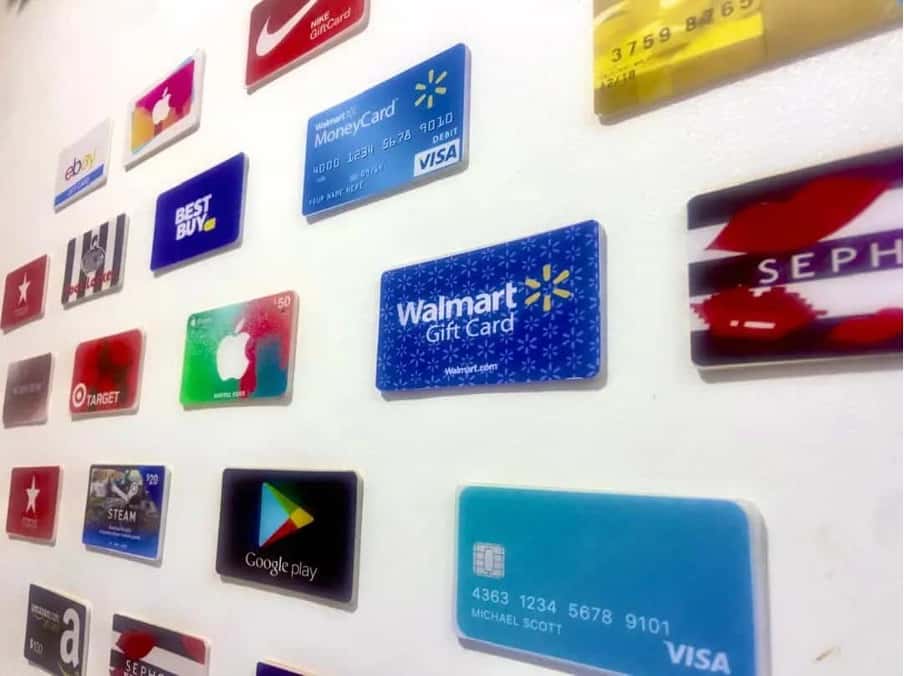
Supermarkets, gas stations, and convenience chains often stock displays of prepaid cards. Grab a $25 or $50 card, pay cash at the register, and walk out with a spend‑ready voucher code—ideal when you prefer to stay without sharing personal data online.
Shopping online without a billing address
Certain merchants accept “guest checkout” via PayPal Guest or crypto gateways, meaning they never demand a formal billing address at all. If you are living abroad temporarily—or protecting your privacy—look for stores that advertise this perk up front.
Purchase Locations vs. Payment Methods
Supermarket kiosk
- Products Offered: Prepaid, gift codes
- Cash Accepted: Yes
- Instant Use? Yes
Bank branch
- Products Offered: Debit, prepaid
- Cash Accepted: Yes
- Instant Use? Card arrives later
Fintech app
- Products Offered: Virtual card, wallet
- Cash Accepted: Bank transfer
- Instant Use? Yes
Online marketplace
- Products Offered: Digital vouchers
- Cash Accepted: Card/PayPal only
- Instant Use? Yes
Convenience store
- Products Offered: Paysafecard
- Cash Accepted: Yes
- Instant Use? Yes
Step‑by‑Step: Making a Card‑Free Online Purchase

- Pick your method. Decide between prepaid plastic, a virtual card, or a voucher PIN.
- Load funds. Deposit cash, transfer from the bank, or top‑up via payroll.
- Add payment at checkout. Enter the virtual number, select the wallet option, or paste the voucher code.
- Confirm amount and shipping. Some sites auto‑fill billing info; others ask you to make one up for card verification—use your real ZIP for smoother tax calculation.
- Save the receipt. Screenshots help if the seller forgets to ship the thing you just bought.
This routine satisfies the common question on ‘how to buy online without a credit card’ while highlighting where errors usually appear: mismatched postal codes or insufficient balance.
Shopping Scenarios & Special Cases
Subscriptions
Netflix, Adobe, and Spotify happily take PayPal. Link your flexible wallet, turn on recurring billing, and forget about renewals. If you ever need to quit, remove the funding source—no 30‑minute phone calls to customer service.
One-Time Purchases
Typing ‘how to buy stuff online without a credit card’ into a search bar often points to gaming platforms. Steam, for example, lets you redeem Paysafecard instantly. Fashion sites like ASOS accept Klarna’s “Pay in 4,” slicing the cost into installments drawn from a debit card.
Marketplaces in Emerging Regions
In Indonesia, Tokopedia offers the OVO wallet; in Brazil, Mercado Pago dominates. Many shoppers ask online shopping without credit card and discover local e-wallets built directly into checkout.
Address, Billing, and Shipping Myths
Some guides claim you cannot shop if your payment method lacks a billing address. This is not entirely true. PayPal Guest bypasses it, and virtual card providers often let you set any U.S. ZIP. The search phrase ‘how to order online without a credit card’ often comes from international students shipping textbooks to their dorms; they succeed by pairing a prepaid Visa with their campus residence hall.
If a store insists on matching data, use the address you supplied when creating the wallet. That match alone satisfies most fraud filters.
Risks, Fees, and How to Stay Safe
- Mind hidden fees. Some prepaid issuers charge $1 per month after 12 months of inactivity.
- Watch exchange rates. Funding Euros, spending Dollars? Wallets may charge 3 %.
- Protect PINs. Treat paper vouchers like money; losing a printed code equals losing cash.
- Enable two‑factor. Whether you sell art or buy concert tickets, secure the wallet login.
- Keep a small balance. Large sums tempt thieves; top-up only what you plan to spend.
Fast FAQ
- How can I shop online without using a debit or credit card? Use PayPal Cash, prepaid vouchers, virtual cards funded by bank transfer, mobile wallets, cash-bought vouchers, or cryptocurrency.
- How to shop online without paying hidden bills? Review checkout totals, uncheck insurance add‑ons, and read refund policies.
- On marketplaces, you can shop without a credit card by selecting “wallet” or “cash on delivery” where offered.
Closing Thoughts
Multiple ways exist to buy almost anything online without using a traditional credit card. Whether you rely on a prepaid voucher, a secure digital wallet, or a one‑time virtual number, the options are plentiful. Balance fees against convenience, maintain strong security practices, and you can shop confidently without relying on credit cards.
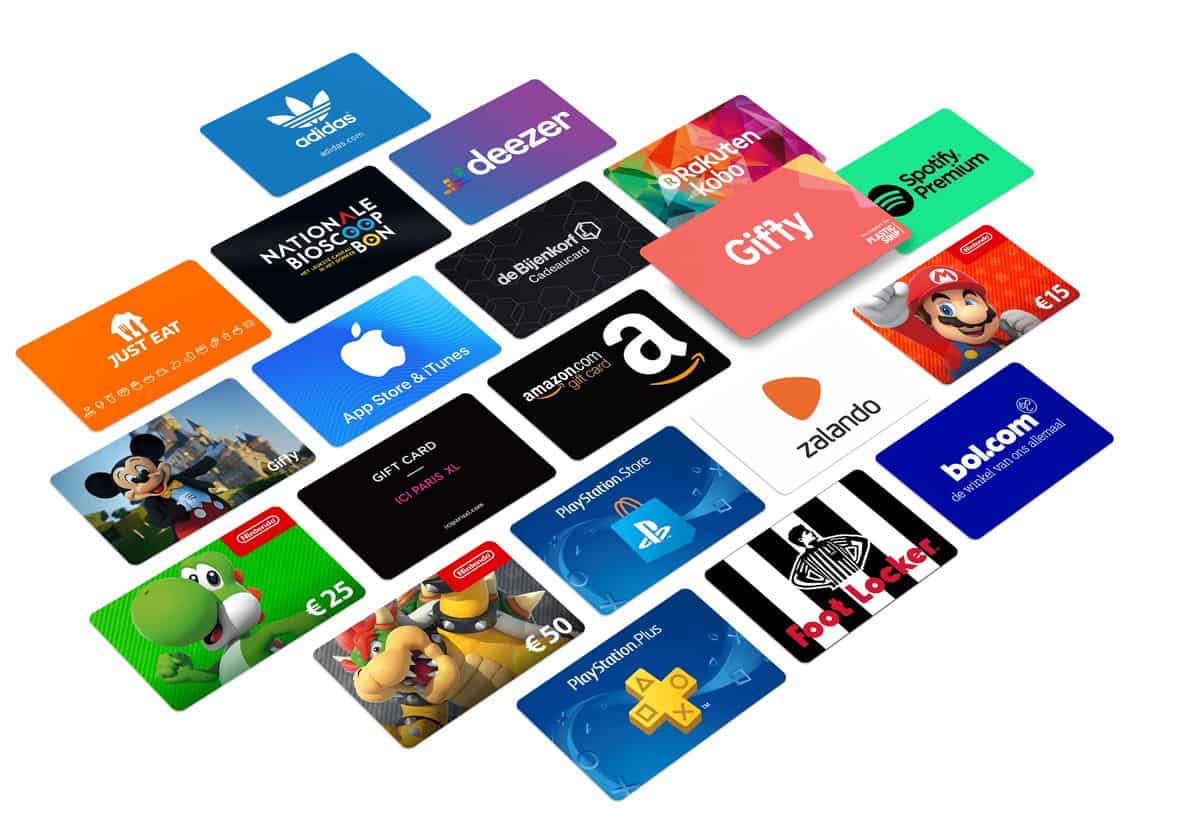
Giftybox simplifies the journey with instant codes, prepaid options, and guided top‑ups, so your next digital purchase is only a few clicks away—no card required.