- Home
- App Stores
- App Store & iTunes Code
- App Store & iTunes Code JPY 3000 - Japan
App Store & iTunes Code JPY 3000 - Japan
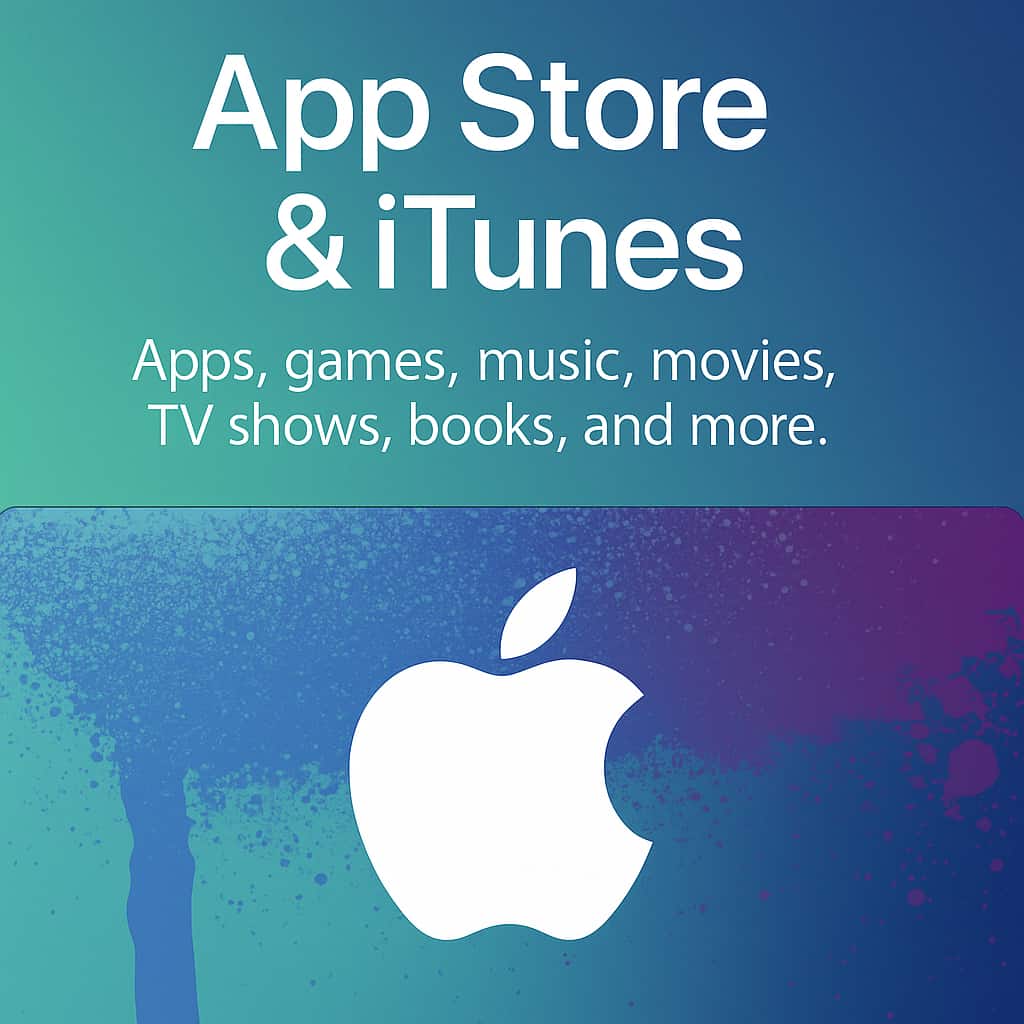
With the credit from a gift card, you can get music, movies, TV shows, apps, books, audiobooks, Apple Music memberships and more. When you redeem an iTunes Gift Card, the amount of the card credits to your Apple ID. You can use the credit in the iTunes Store, App Store or iBooks Store, as long as you sign into each
21.25 USD
FAQ
To redeem this digital code, go to the designated redemption page or app, enter the code, and follow the on-screen instructions.
Yes, the credit from this voucher can typically be used across multiple transactions until the balance is fully used up.
After purchasing, the code will be sent to your provided email address within a few minutes.
Yes, you can usually combine this card with another payment method to complete a purchase if the balance is insufficient.
If you don't receive the code after purchase, check your spam or junk folder, and if it's still not there, contact customer support for assistance. Note: This applies to the SKU "App Store & iTunes Code JPY 3000".

Can't find your answer?
If you couldn't find the information you need, please feel free to contact our support team.
Contact us