- Home
- Gaming
- Diablo IV Gift Card
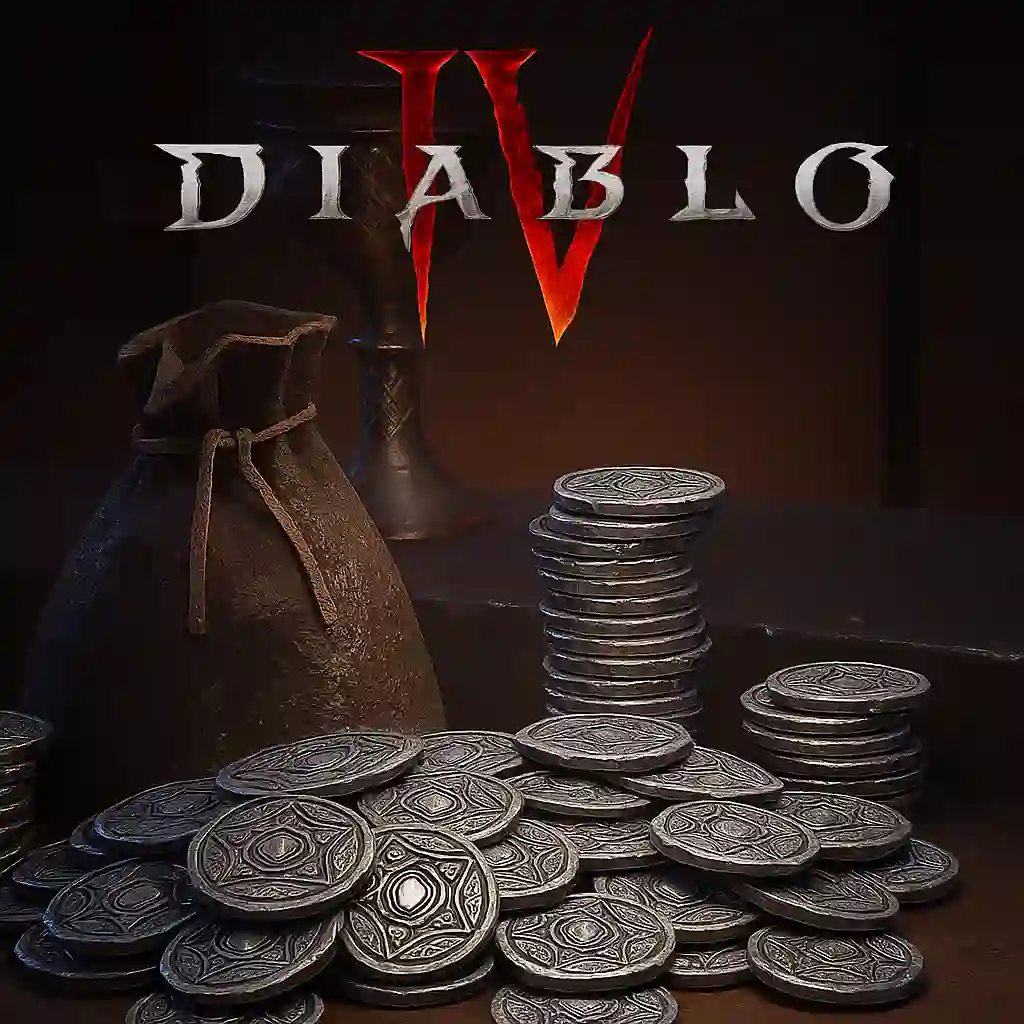
- Diablo IV Gift Card 5700 Platinum - Global
Diablo IV Gift Card 5700 Platinum - Global
Diablo® IV is the next-gen action RPG experience with endless evil to slaughter, countless abilities to master, nightmarish Dungeons, and legendary loot. Embark on the campaign solo or with friends, meeting memorable characters through beautifully dark settings and a gripping story, or go rogue through an expansive End Game and shared world where players will meet in towns to trade, team up to battle World Bosses, or descend into PVP zones to test their skills against other players - no lobbies necessary - with cross-play and cross-progression on all available platforms.
This product is no longer available. Diablo IV Gift Card 5700 Platinum is no longer offered in our store. You can explore other digital products below.
Configuration:
FAQ
To redeem the code, visit the platform's official website or app, log into your account, and enter the code in the designated area for gift card redemption.
Yes, the credit can be used across multiple transactions until the balance is fully spent.
After purchasing, the code will be delivered to your registered email address. Please ensure that your email is entered correctly at checkout.
Yes, you can combine the credit from this card with another payment method at checkout for a single purchase.
If you do not receive the code within the expected time frame, please check your spam or junk email folder. If it is still missing, contact customer support for assistance.

Can't find your answer?
If you couldn't find the information you need, please feel free to contact our support team.
Contact us